Skip to content

Services

Infrastructure and cloud office

The real gain is not any single application. It is that everything hangs together, follows one permission model and lands in one single backup. The usual platforms bill per person per month, separately for every tool. Here you carry the cost of one server and its upkeep, and the size of your team does not change that.

What you end up with

  • A cloud office with files, calendars, contacts and video calls, and an ordinary folder on the desktop
  • Your own mail server for your domains, with shared mailboxes like info@ or accounts@
  • A password manager for the whole team, so credentials stop living in chat threads
  • Permissions hang on groups. A new colleague is in with one move, someone leaving is out with one
  • Ongoing operation with updates, monitoring and a plan for total failure
  • On request a machine with a graphics card in the same rack, running your own language models, with the same backups and the same monitoring
  • And whatever is missing after that, we write. That is the part a provider cannot ship you

The material

This is not the offer, it is what we build the offer from. All open source, all replaceable. What comes from us is the setup, the operation, and the software on top that fits it to the way you work.

Nextcloud
Files, calendars, contacts, chat and videoinstead of Drive, Dropbox, Microsoft 365, Zoom, Slack and Trello
Collabora
Office in the browser, documents stay on the serverinstead of Microsoft 365 and Google Docs in the browser
Stalwart
Mail server for your own domainsinstead of Google Workspace, Exchange or mailboxes at your provider
Vaultwarden
Passwords and two-factor codes for the whole teaminstead of 1Password, LastPass or the password in a chat thread
Gitea
Source code, runbooks and versionsinstead of GitHub, GitLab or Bitbucket
Ollama or vLLM
Language models on your own graphics card, wired in like any other service in the buildinginstead of an account with a model provider, billed per request
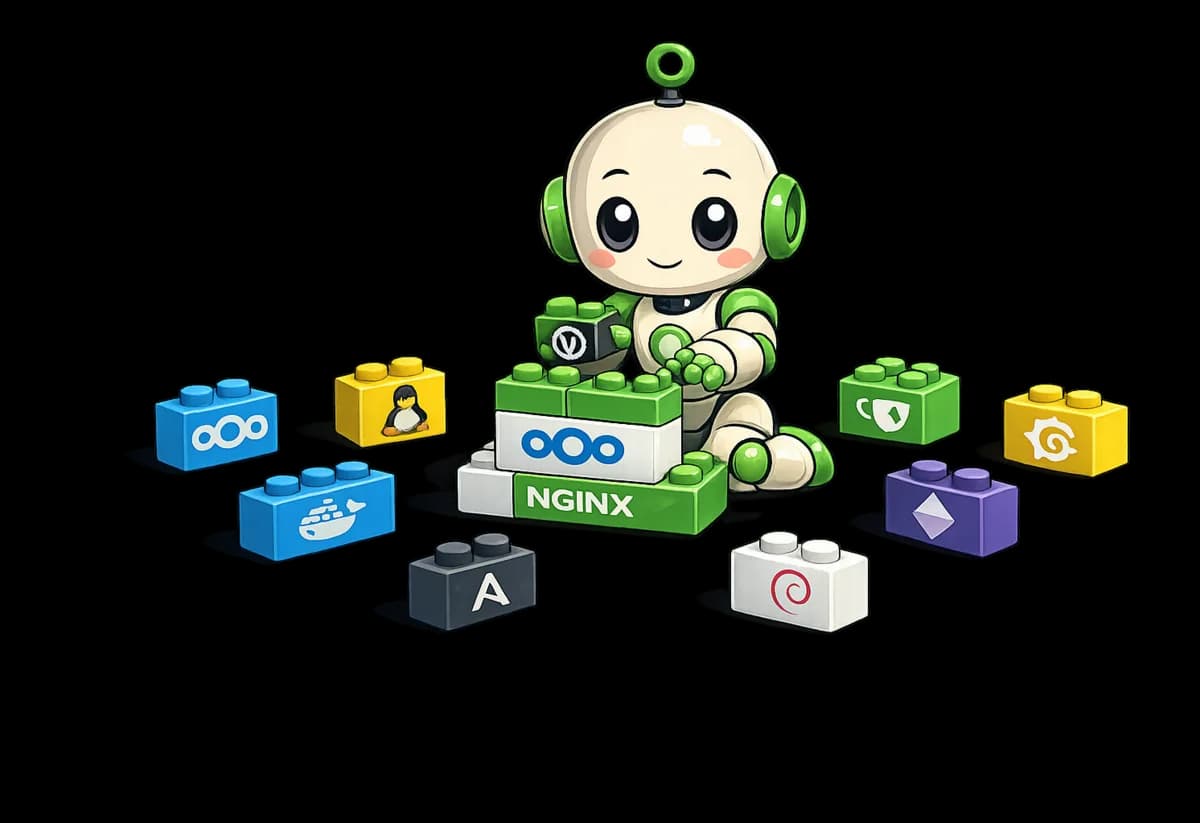
Our infrastructure robot sits among a pile of bricks and builds something out of them. The bricks carry the parts we build from: Nextcloud, Docker, Linux, nginx, Debian and more.

None of these names ties you down. If a different block fits you better, we use that one. For office work that can mean ONLYOFFICE instead of Collabora, when a lot of heavily formatted Word arrives from outside.
Backup and the way back

A backup is a claim until someone has pulled something out of it. So this says how we do it and what we checked, rather than that we do it.

Three copies, two media, one off site
Local on a separate disk, encrypted at a second provider in the EU, plus a separate emergency store holding nothing but the credentials. Encryption happens before anything leaves the house, so the storage provider only ever sees unreadable blocks.
What gets reported is the silence
Every nightly run has to report in, and a missing report raises the alarm. The usual setup is built the other way round. A backup that stopped running altogether sends no error either.
7 daily, 4 weekly, 6 monthly states
Ransomware often surfaces weeks later. Keep only the most recent state and by then you have long been backing up the damage.
Rehearsed once, for real
We restored the password manager from backup on a machine with no connection to the server at all, opened it and read an entry in clear text. Before that, a restore is guesswork.

The move

The question that comes up most often is what happens to the old mail. Nothing, it comes along. No step starts by switching something off.

  1. Taking stock

    We record which addresses, distribution lists, forwards and out-of-office rules actually exist today. In our experience there are more of them than anyone remembers.

  2. Running in parallel

    The new side is built and filled with the existing data while the old one carries on unchanged. Up to here nobody notices a thing.

  3. The switch

    Only now does anything change over. From that moment new mail arrives at the new server, and the old one stays reachable.

  4. Follow-up and proof

    Signatures, filters and team mailboxes get set up, and we check with real mail in both directions that sending and receiving work. Nothing old is deleted before that is proven.

From running it ourselves

We run exactly this selection for ourselves

Our files, our mail, our credentials, our code and this website sit on our own server, backed up off site. Separate areas for the company, for individual projects and for confidential material. That the separation actually holds is not something we assumed. We tried to reach across from each of the other accounts, and those attempts correctly came up empty.

That is experience from running it, not from a data sheet. We do not recommend anything we do not use ourselves every day.

This does not pay off for everyone. Two people swapping a few documents are better served by a subscription. It gets interesting once several people work together, customer data is involved, or the monthly subscriptions start to add up uncomfortably. And nobody honest promises you absolute security. What we do promise is a build where a single mistake does not take everything with it, and a way back that has been rehearsed.

Operation is an ongoing service here, not the end of a project: updates, monitoring, fixing faults, and checking regularly that a restore still works.

Does any of this match what you have in mind?

Then let us talk, even if you are not yet sure what exactly you need.

Discuss a project